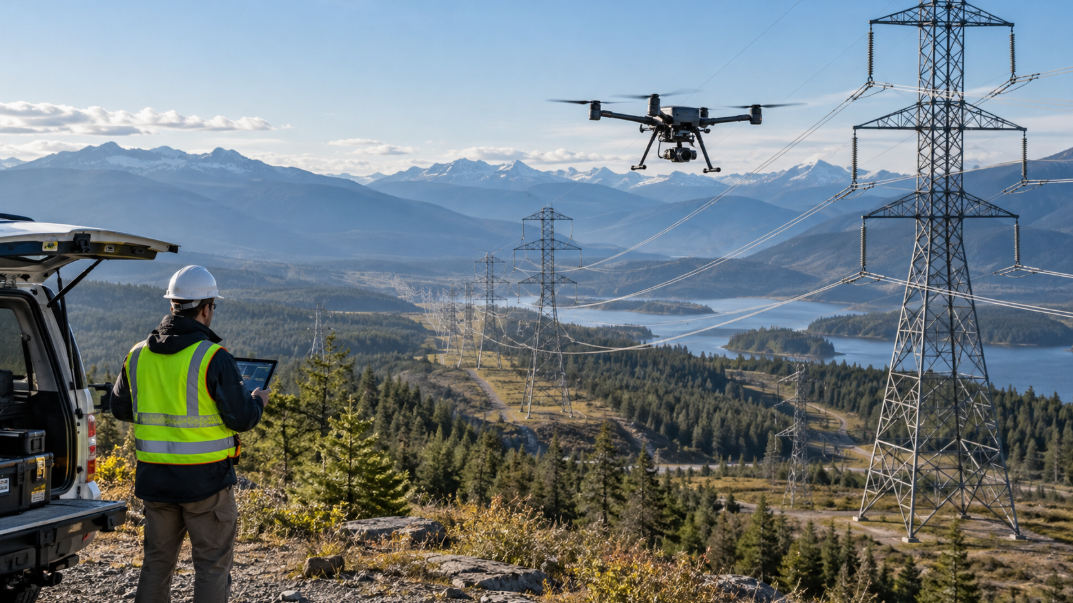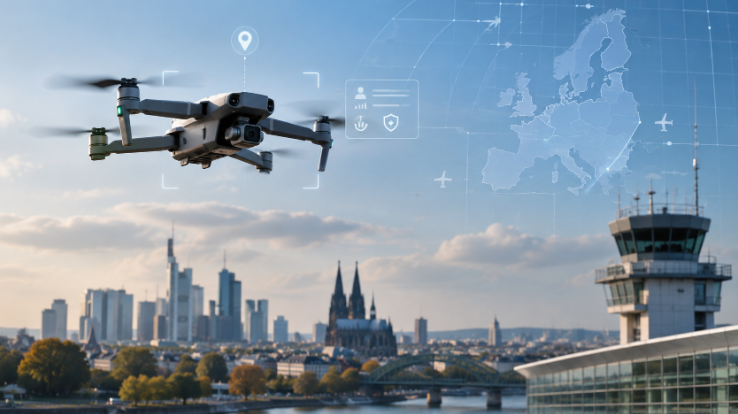
You’re used to the standard ‘hook up the security camera’, and it stays put. Things are different with Ring’s new Drone Cam.
It will fly from its dock to selected spots around your home and send the view to your phone. Announced on 10 November, with US shipments planned for 27 January 2027, it promises a way to check several rooms without giving each one its own wall-mounted camera.
Can you buy it? Not yet. The drone still needs Federal Communications Commission authorisation before it can be sold. For now the most you can do is sign up to be notified when it becomes available.
So when you’re away and something needs checking in the kitchen, the camera goes to look. And no, you don’t need joystick skills like usual UAVs.
A New Attempt at a Familiar Idea
You’ve seen this idea before. Ring introduced the Always Home Cam in 2020 for $249.99, then opened an invitation list in September 2021. It never reached general sale. The price has stayed put; this time, buyers will be hoping the product actually leaves the warehouse.
That’s worth remembering before building your security plans around January’s shipping target.
The new Drone Cam joins Ring Robotics alongside the Rover Cam, a wheeled security robot designed for businesses.
First You Give It the House Tour
Before the drone can find its way around, you carry it through your home. An ‘induction tour’ per se. Its AI Pilot system maps the layout and suggests patrol points, drawing on cameras, onboard sensors, vision models and cloud processing to navigate.
Once you link compatible Ring devices, an alert can send it to a saved viewing position. A door sensor might flag activity at an entrance just beyond your fixed camera’s view. You can then get a look at the doorway instead of staring at a notification and filling in the blanks yourself.
Try the whole sequence during setup. Trigger the sensor and inspect the footage from the drone’s destination. A beautifully framed shoe rack is little help if the door is out of shot, so adjust the viewing point until it shows what you actually need.
Your Home Becomes Part of the Flight System, the Decor Gets a Say
That polished floor may look excellent to you. The navigation system could have a different experience. Reflective, transparent and visually featureless surfaces can disrupt performance, including wet tile, polished marble, frameless glass and plain walls. Check the materials along your intended routes before assuming every room will be equally straightforward.
Then test the home you live in. A moved armchair or a closed door can change access to a viewing position. Revisit the route when the layout changes
You can use the Ring Drone Cam on one floor of your home. Multi-floor support is planned (so don’t count is as a live feature for now when deciding on the purchase).
Battery Life and Wi-Fi
You get up to eight minutes of flight per charge. Ring measured that figure with a new, fully charged battery under controlled conditions. Your results will vary with your home, how you use the drone and the state of the battery.
Those eight minutes have to include the trip back to the dock, so keep routes short. You’ll also need to account for charging time between flights, particularly if you want the camera to investigate several alerts in quick succession.
The drone clocks 165 g and shoots 1920 × 1920 video with a 148-degree field of view horizontally and vertically. Ring recommends an upload speed of at least 5 Mbps, and 10 Mbps for 2K video. Run a speed test in the rooms the drone will fly to. Strong Wi-Fi beside the dock won’t help much if the video deteriorates in the room you want to check.
What the Camera Leaves Out
You can look, but you cannot call out through the drone. It has no microphone, speaker or siren, which rules out audio recording and two-way talk. If speaking to someone remotely is part of your security plan, another device will need to handle that conversation.
After dark, LED spotlights illuminate the scene instead of infrared night vision. Check their results from the positions you intend to use. Seeing that someone is standing near the door and seeing enough detail to recognise them are different tasks.
Back at the dock, recording stops. So an event outside its flight window may never appear in the drone’s footage. That leaves gaps you’ll need to consider before replacing any fixed cameras.
Give the aircraft the awkward viewing angles your existing cameras miss. Keep fixed coverage where you need a dependable view while it is elsewhere or charging. There is no prize for making one device do every job.
What the Price Doesn’t Cover
The purchase price gets you the hardware. Scheduled patrols and video search need a compatible Ring subscription, and you’ll need a compatible Ring Protect plan to watch saved video.
If you want regular patrols and footage to look back on, find out which plan covers both and add the recurring cost to your budget before you buy.
Privacy and Your Video
A camera that moves between rooms needs a little household diplomacy. Agree where it may fly with the people who live with you, especially around bedrooms and shared spaces. Everyone should understand the route before the first patrol interrupts their afternoon.
Ring says Drone Cam video will be protected by Throw Away the Key encryption, or TAKE. Under Ring’s description of the system, copies of the encryption keys are held temporarily in a secure cloud enclave so that the intelligent features you’ve enabled can run, and are then deleted. Don’t confuse this with Ring’s end-to-end encryption, a separate option that restricts cloud features. With TAKE, your video is still processed in the cloud.
Check who can send the drone out, who can watch recordings and how the map of your home is stored and deleted. Putting the aircraft back in its dock ends the filming session. It does not tell you what happens to the data already collected.
None of this can be tried at home until the drone ships, and that depends on the FCC. We’re all waiting for the January 2027.